Furday, your pet journal.Photos, care and your own scrapbook.
Save photos and write about your pet’s day, then use those photos and words to make a scrapbook. A separate care calendar helps you keep track of appointments and supplies.
On the App Store · For iPhone · App currently in English only · Not available in the EU or mainland China
Care calendarKeep appointments and supplies in view
01 / THE LITTLE THINGS
You’re already keeping the pieces.Bring them together.
Their sleepy face is in your camera roll. Their next appointment is in your calendar. That scrapbook you’ve been meaning to make? It’s still waiting for a free afternoon.
01
Keep the story, too.
Why can’t you delete that blurry picture? Add a few words and keep the feeling behind it.
02
Keep care in view.
From worming treatments to restocking supplies, organise each pet’s care and look back at what you’ve done.
03
Start before “someday”.
Begin with a photo and a few words. When you feel like making a page, you’ll have somewhere to start.
Choose photos and words from your journal. Pick a paper, move a photo, add a sticker. A walk, a birthday or an ordinary weekend can have a page of its own.
Start with photos and words you’ve already saved.
Move, resize and rotate them yourself.
Make it yours with paper styles and stickers.
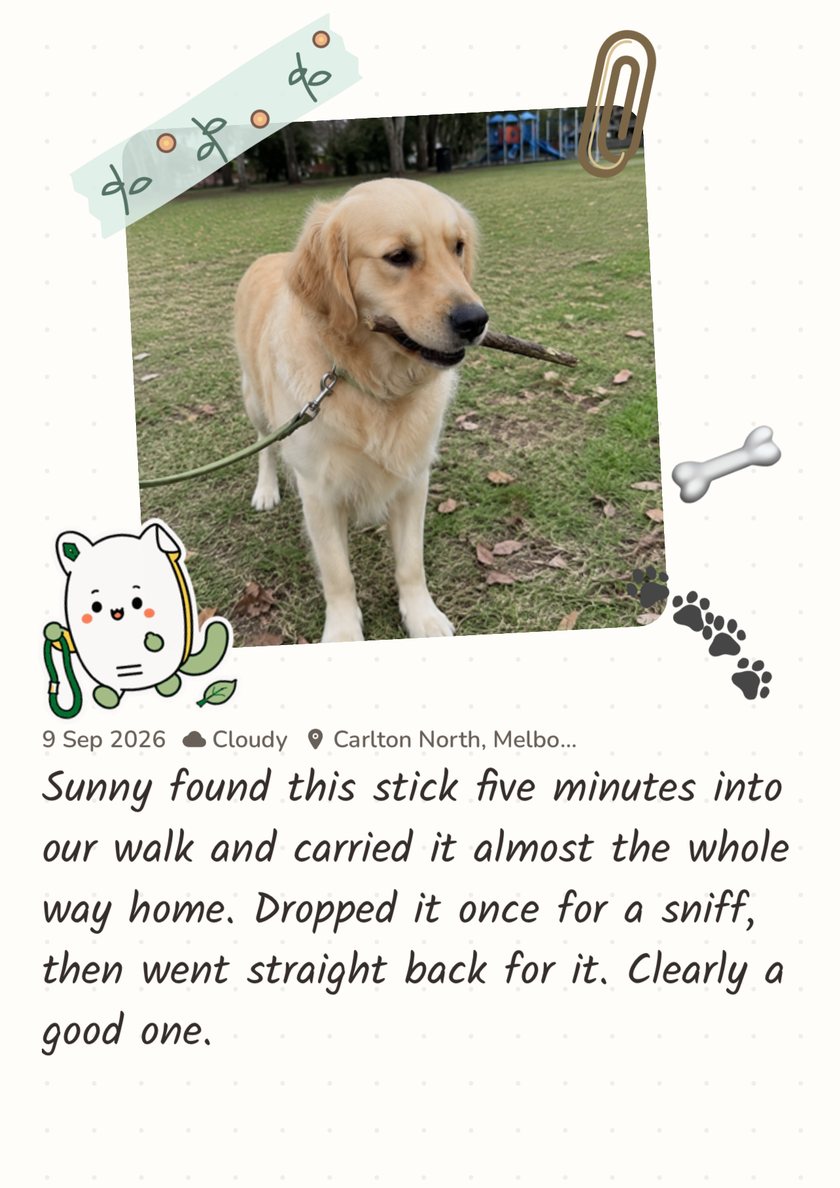
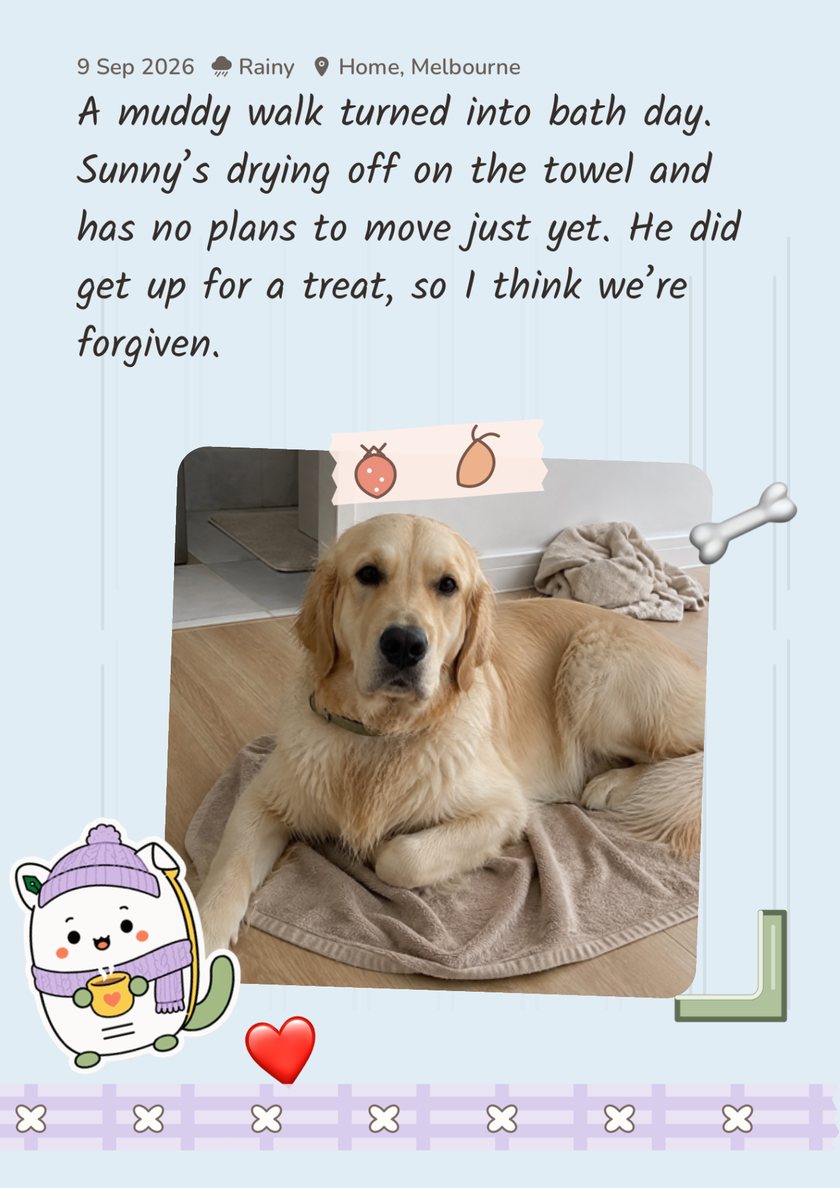
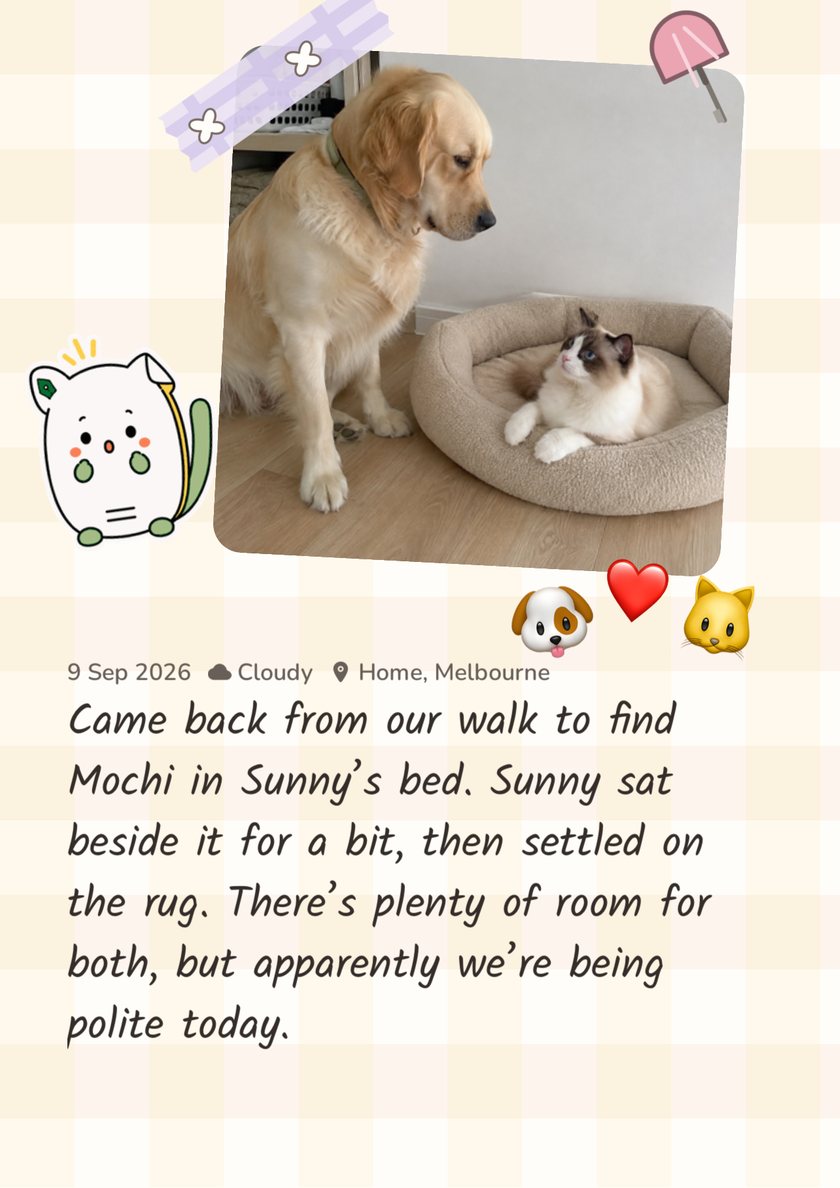
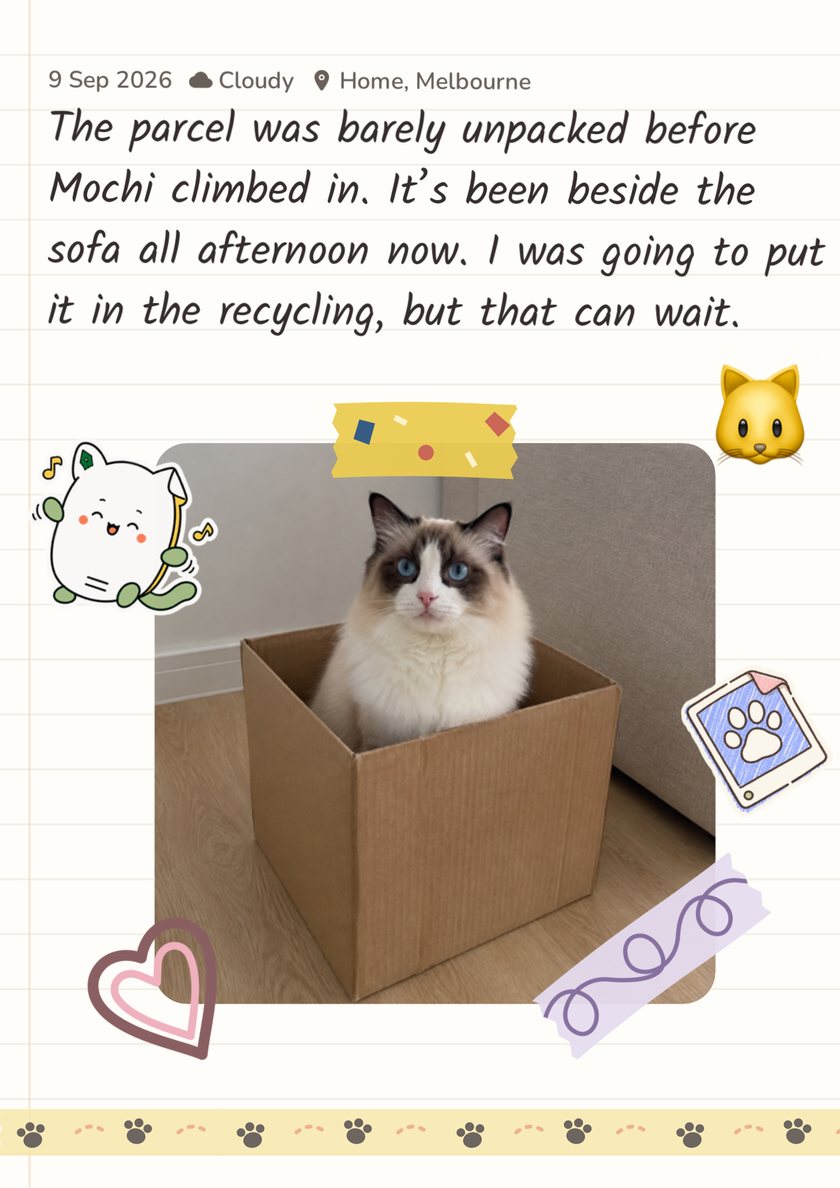
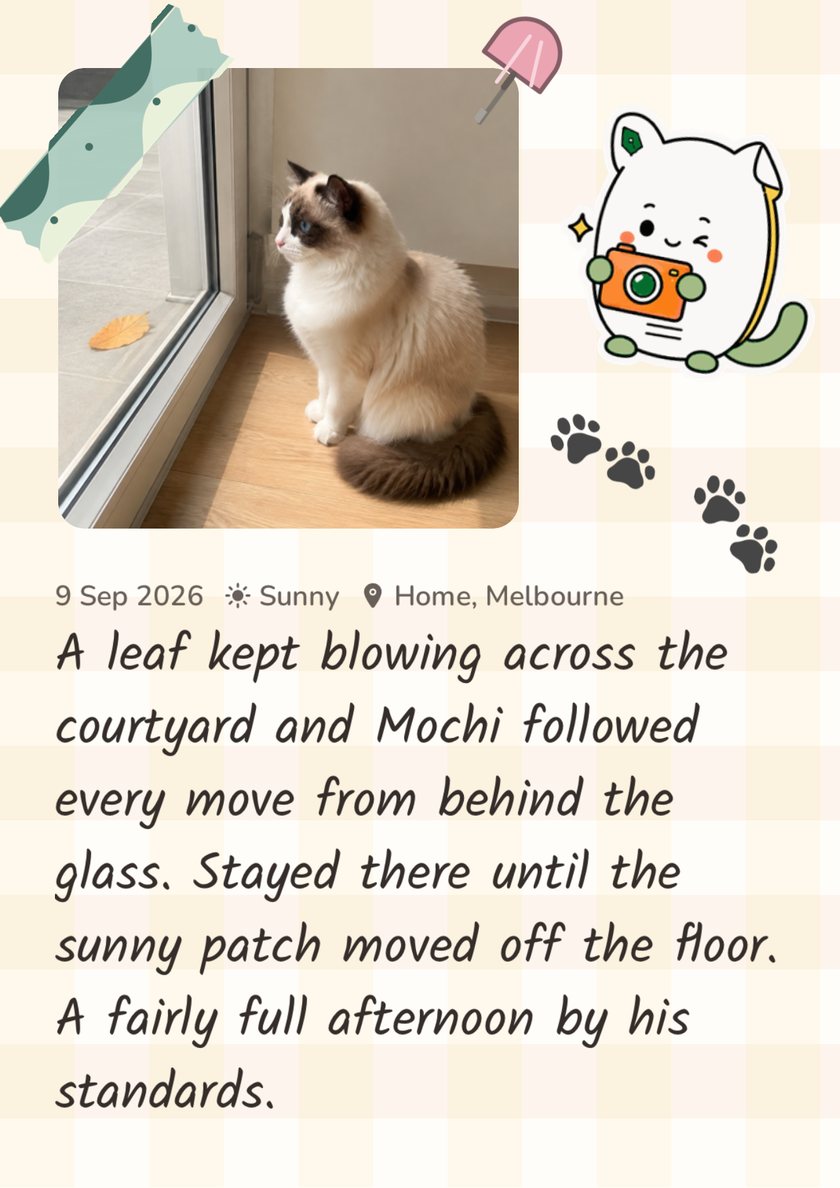
All three were arranged in the Furday app, each on a different paper.
03 / A LITTLE MORE TOGETHER
A place for the cute moments. And the everyday care.
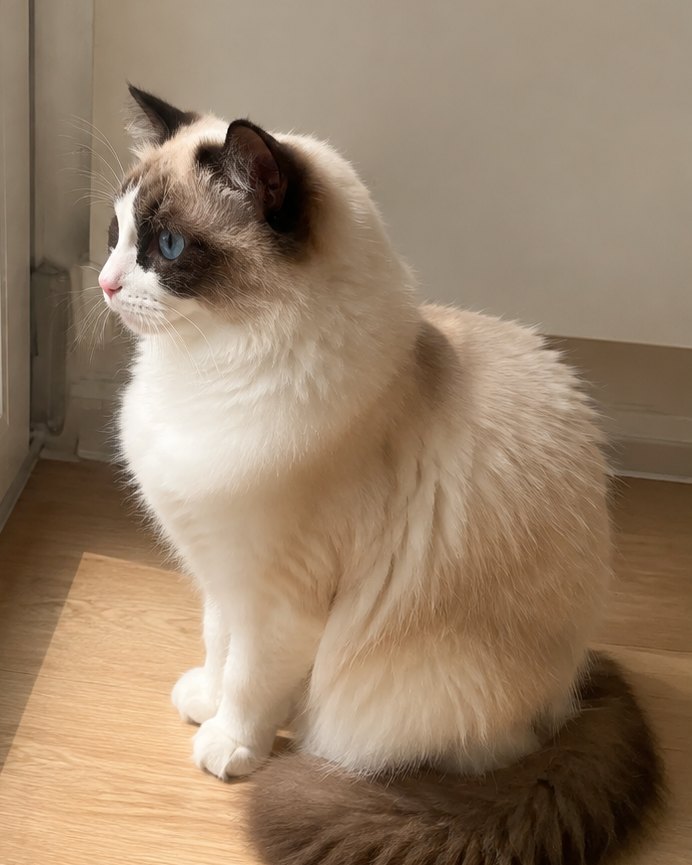
Mochi
Gentle · Professional sunbather
Gotcha Day
14 September
Sample page · AI-generated pet photo
A profile for each pet
Birthdays, Gotcha Days, personality traits and weight changes. Build a record of the pet you know so well.
UPCOMING
14
Annual check-up
14 September
○
18Restock favourite food○
Example care entries
A calendar for care plans
Bring worming treatments, check-ups, appointments and supply runs into one calendar.
↳
One photo can start a journal entry.
Add words, weather and a place to remember what made that day worth keeping.
♡
One pet or several
Create a profile for each pet, switch between their records and see everyone’s plans together in the calendar.
LITTLE MILESTONES
Collect stickers along the way.
Unlock achievement stickers as you record moments and everyday care. Then give those little milestones a place in your scrapbook.
A new beginningA week of careMade with love
04 / YOUR FIRST PAGE
Start with a photo from today.
1
Add your pet
Add a photo and create a little profile for your pet.
2
Record the day
A photo, a few words or a daily care check-in.
3
Make a page
Choose photos and words from your journal and bring them into your scrapbook.
A FEW THINGS TO KNOW
Before your first page.
How is Furday different from my camera roll?+
Your camera roll keeps the photos. Furday lets you keep the words, weather and places alongside them, then use your saved photos and words in a scrapbook. It also brings together pet profiles, a care calendar and daily check-ins.
What if I’ve never made a scrapbook?+
Start with photo entries. There’s no need to design a page straight away. When you feel ready, choose photos and words you’ve already saved, move them into place and add paper styles and stickers you like.
Can I keep records for more than one pet?+
Yes. Create a profile for each pet, switch between their records and see all your pets’ plans together in the calendar.
Do I need an account? Where are my records stored?+
No account is needed. Your records stay on your device. You can now export a .furday backup containing your records and photos, and import it when needed. Save a backup outside the app before changing phones or deleting Furday. Importing replaces the entire current library rather than merging it; this is not automatic cross-device sync. Scrapbook images and PDFs are not full backups.
Does Furday cost anything?+
Furday is a one-time paid download with a base price of US$9.99, with no subscriptions or in-app purchases. Local pricing is shown on the App Store. Each pet’s scrapbook holds up to 100 pages. Like a paper one, it has a back cover: no further pages are sold.
How can I get Furday?+
Furday is on the App Store for iPhone, and the app interface is currently English-only. It is not currently available on the App Store in the European Union or mainland China.